How to import your services and prices from your website
Paste your website address and Kleos copies your services, categories, descriptions, card prices and cash prices onto your business page.
3 min read
I can help! I can help!
Stuck on how to import your services and prices from your website? Ask me and I'll walk you through it.
- 1
Find your prices page
Open the page on your own website that lists your services and prices, like yoursalon.com/services, and copy its address.
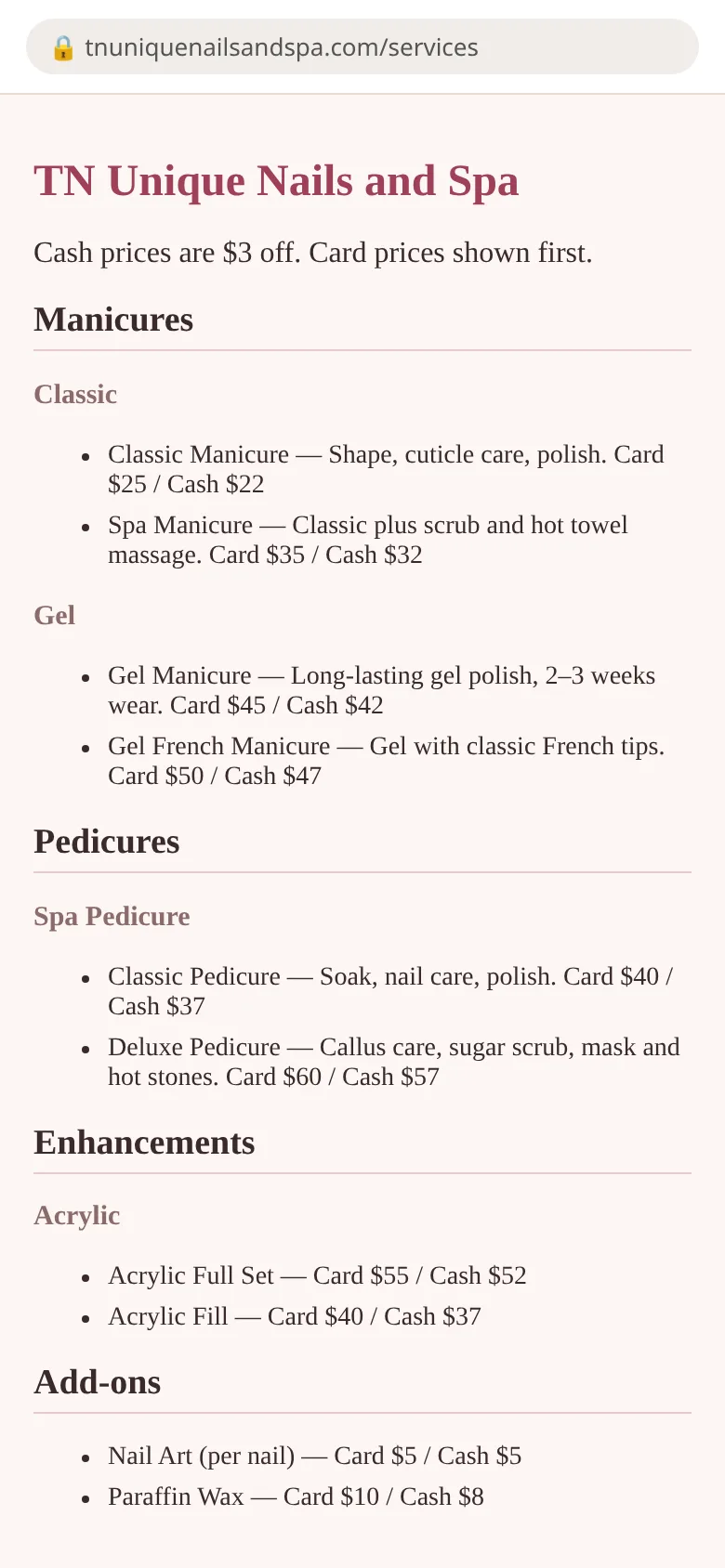
- 2
Open the bill tool
Sign in to Kleos, go to your business dashboard and tap “Create a bill (QR)”, then “Edit services & tax”.
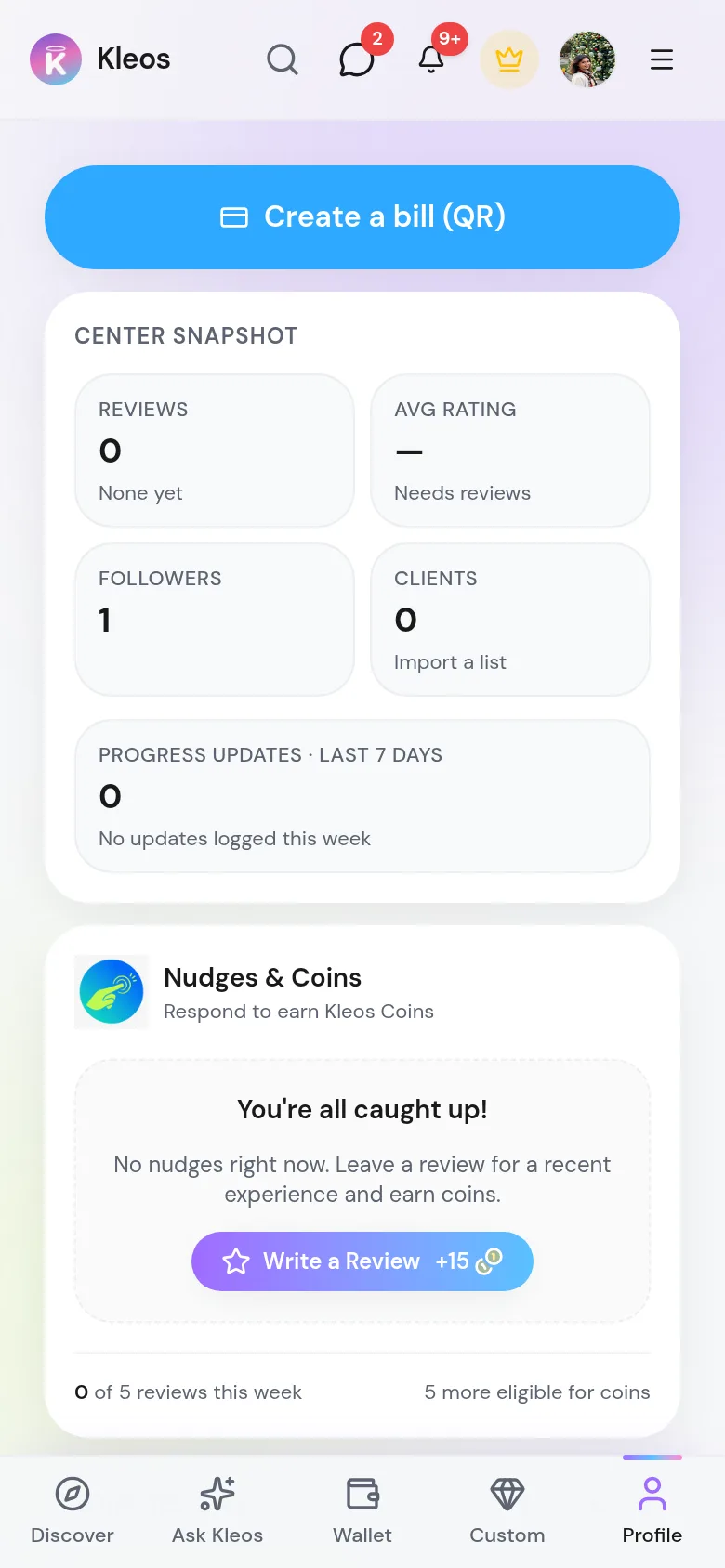
- 3
Paste your website address
Tap “Import services from my website”, paste the address and tap “Find services”. Reading the page takes a few seconds.
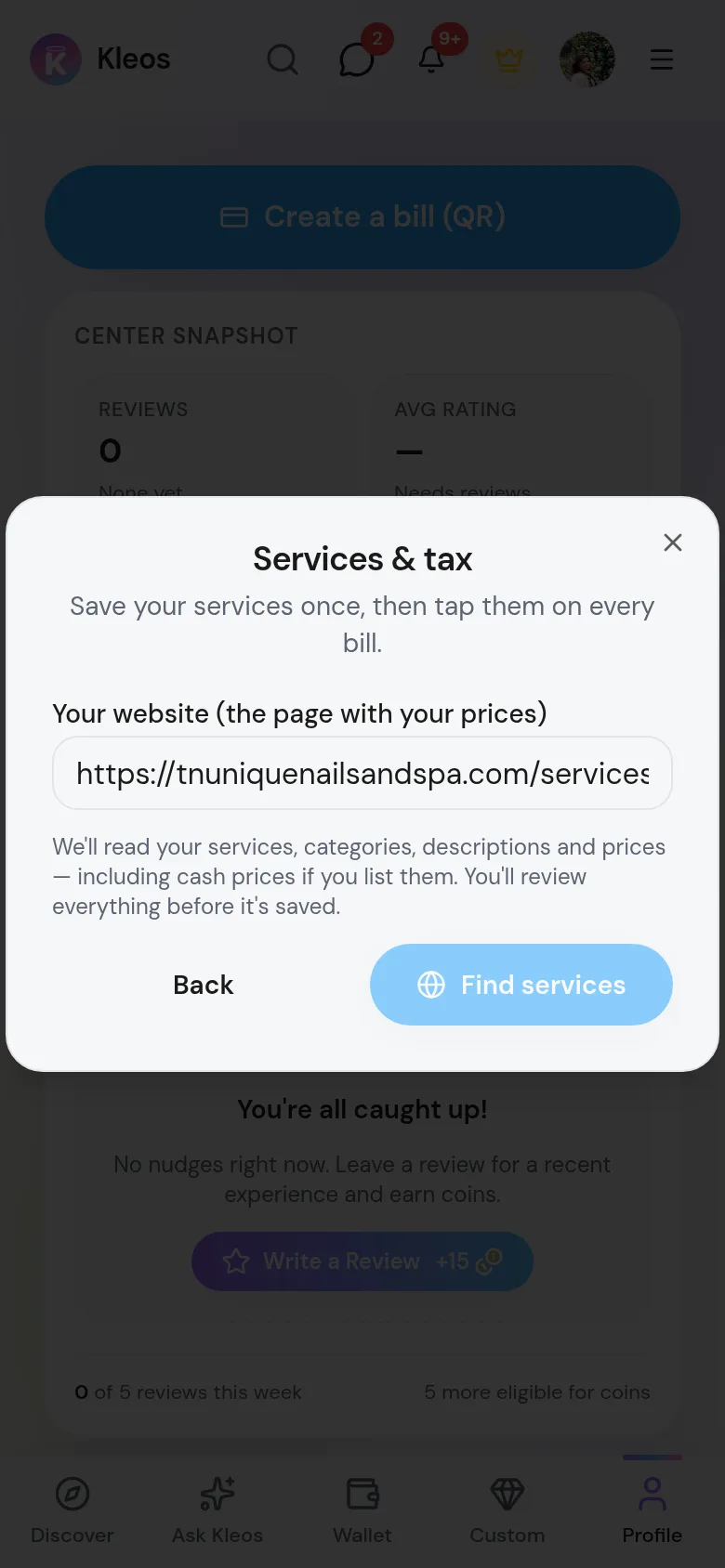
- 4
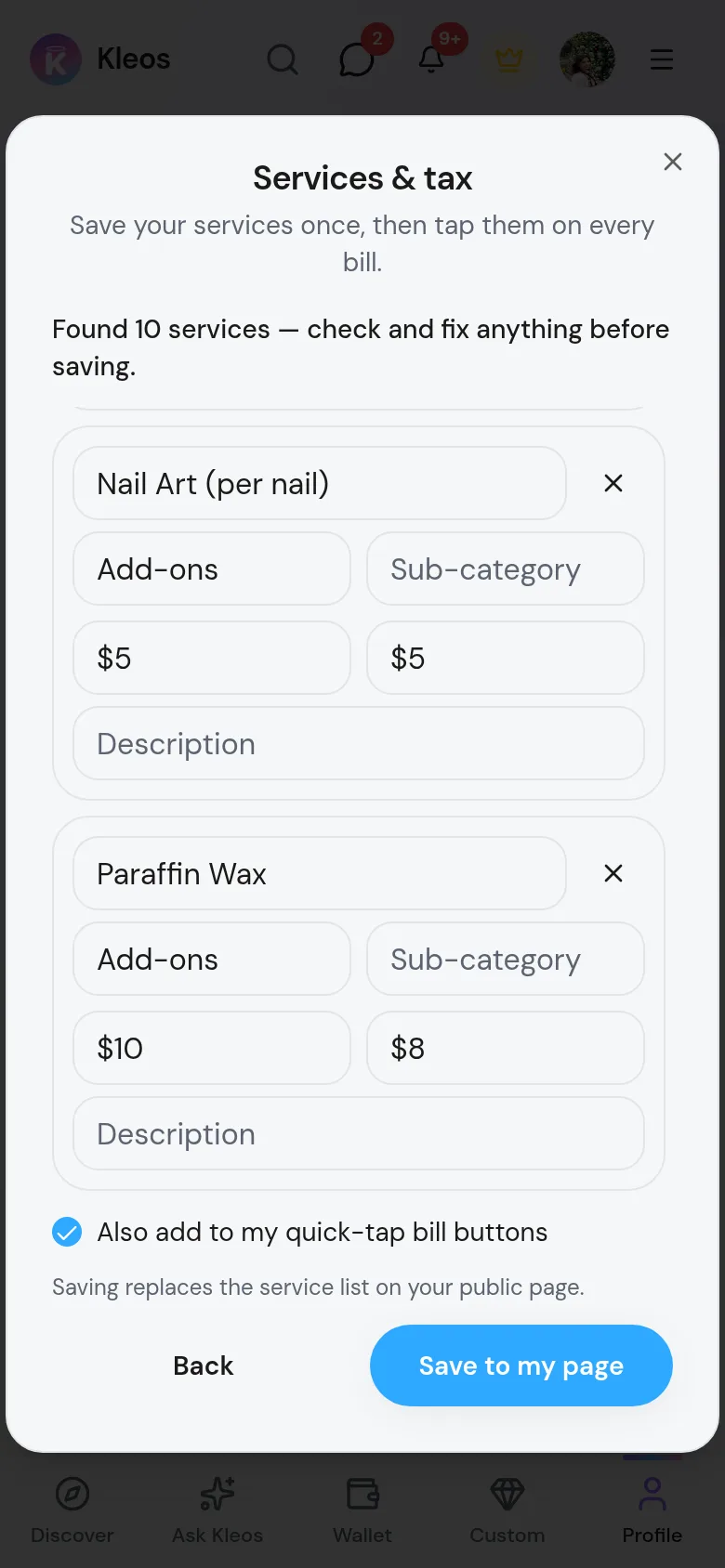
Check every service
Fix any name, category, sub-category, description, card price or cash price by typing in it. Tap × to drop a service you don't offer.
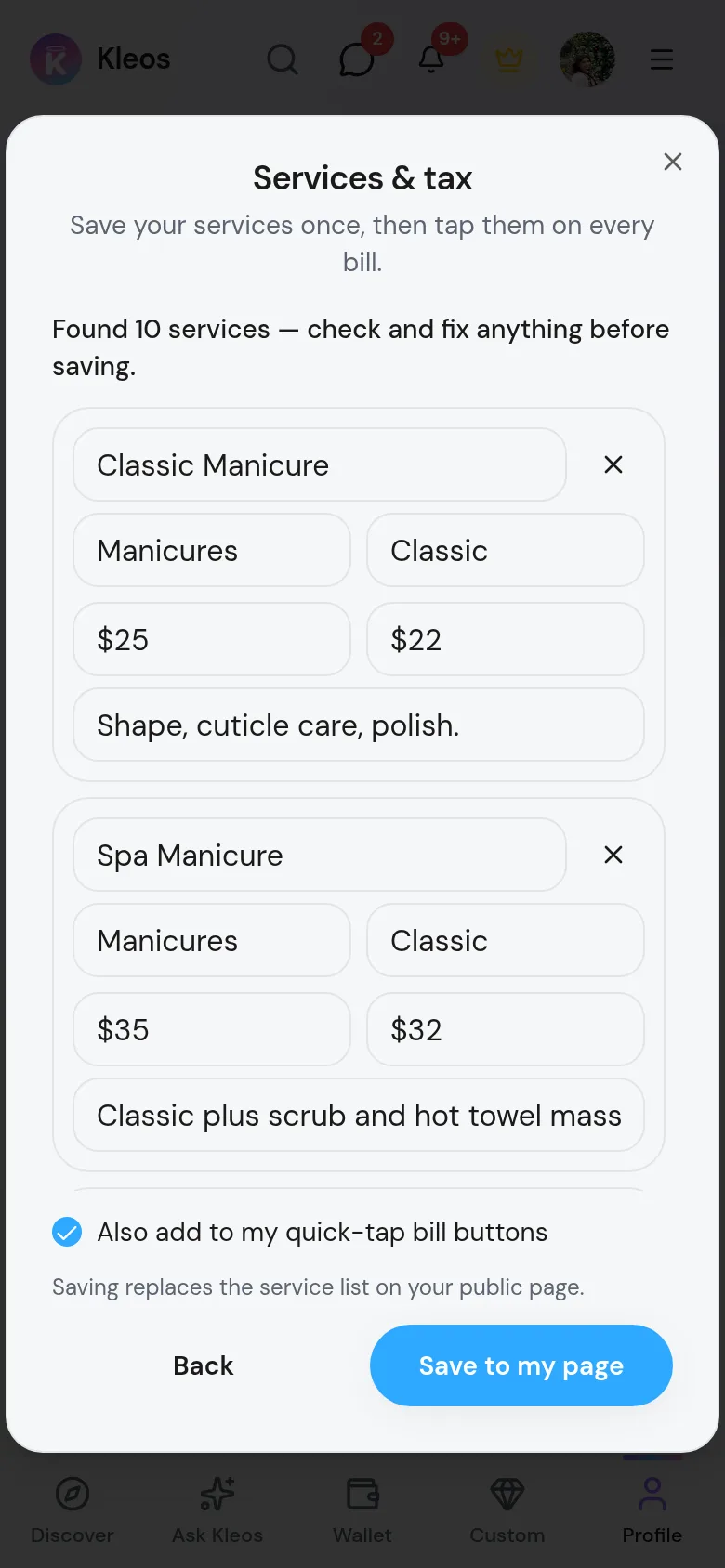
- 5
Save to your page
Leave “Also add to my quick-tap bill buttons” ticked if you want these services as bill buttons, then tap “Save to my page”.
- 6
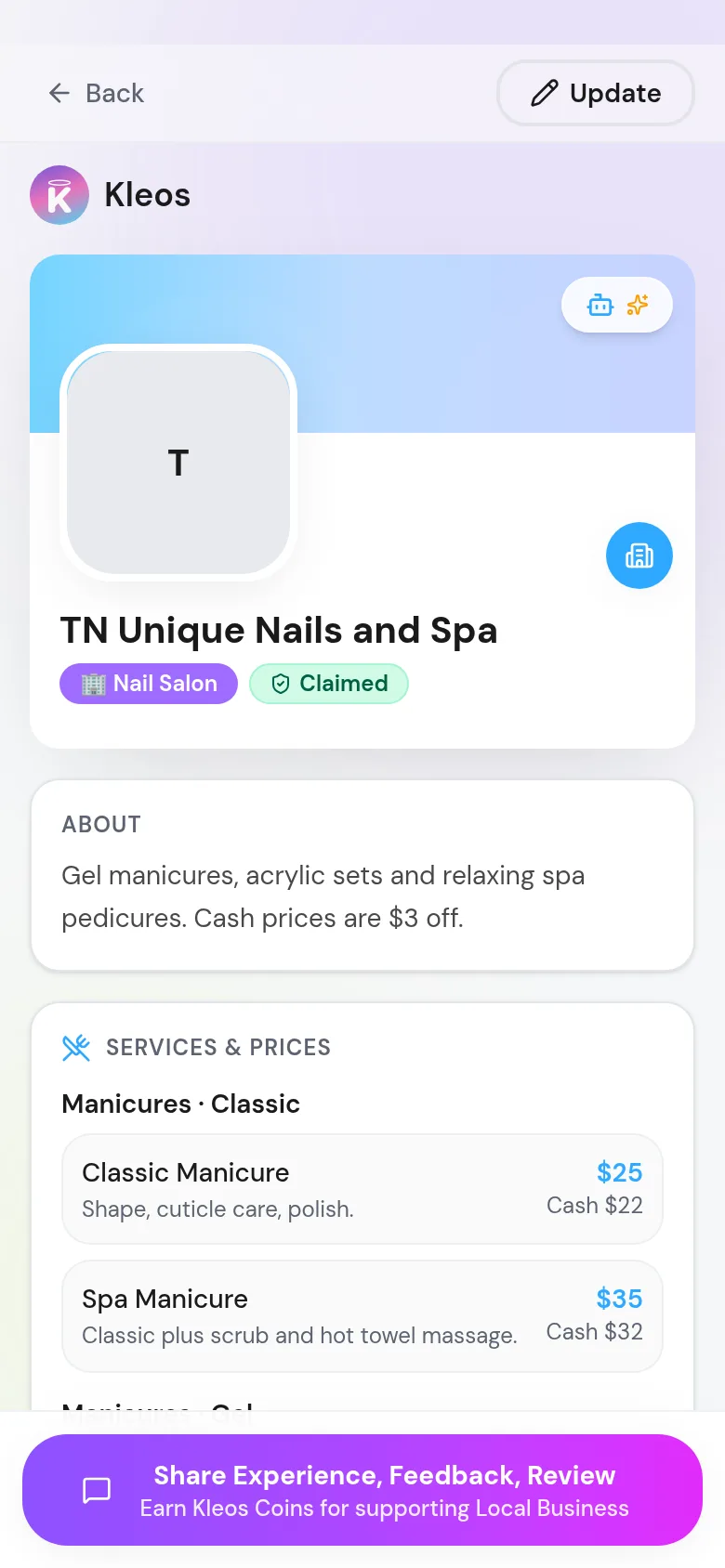
Look at your public page
Your services now appear under “Services & prices” on your public business page, grouped by category, with the cash price under the regular price.
Common questions
Does saving replace my current service list?
Yes, saving replaces the service list shown on your public page. To update it later, import again or edit the list. Quick-tap bill buttons are added, not replaced, and nothing is added twice.
Which price do the bill buttons use?
Bill buttons use the standard (card) price. The cash price is only shown on your public page.
What if it finds nothing?
Some sites load prices inside a booking widget or a picture, which Kleos can't read. Try the exact page with your prices, or add services by hand with “Add service”.
Will Kleos invent services or prices?
No. Kleos only copies what is on your website, and you approve every line before saving.